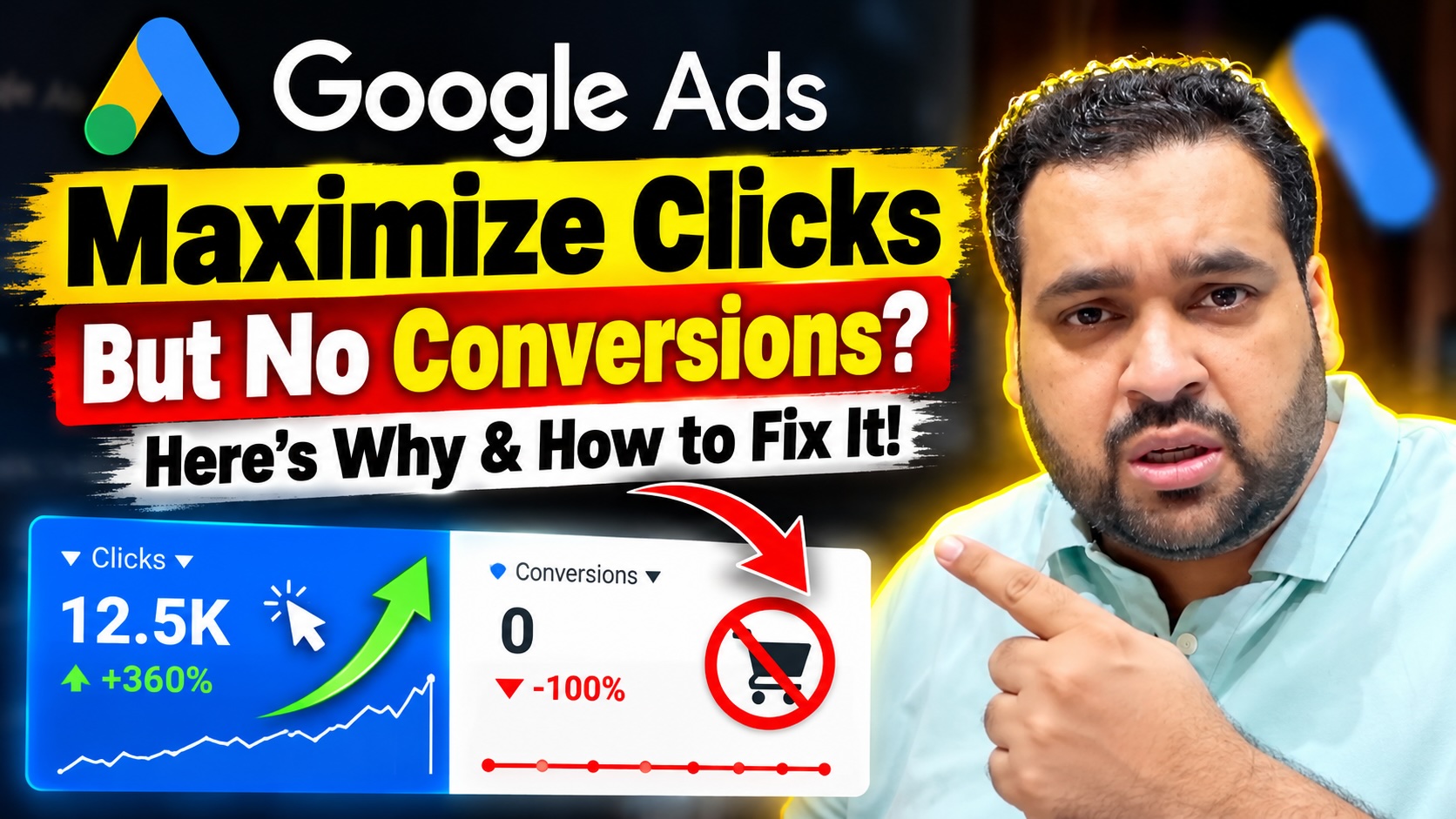
Google Ads Maximize Clicks But No Conversions? Here’s Why & How to Fix It!
SEO title: Google Ads Maximize Clicks But No Conversions? 7 Fixes
Meta description: Getting clicks but no conversions from Google Ads? Learn why Maximize Clicks may hurt lead generation and how to improve CPC, CTR and conversions.
Suggested URL slug: /google-ads-maximize-clicks-no-conversions/
Primary keyword: Google Ads Maximize Clicks no conversions
Secondary keywords: Maximize Clicks vs Maximize Conversions, Google Ads clicks but no conversions, Google Ads bidding strategy, Google Ads cost per conversion, Google Ads optimization
Author: Ali Raza
Introduction
Are you getting plenty of clicks from Google Ads but struggling to generate leads, sales or conversions?
Perhaps you were previously running your Google Search campaigns using the Maximize Conversions bidding strategy. Your campaigns were generating conversions, but your cost per conversion was becoming increasingly expensive.
To control your advertising costs, you decided to switch to Maximize Clicks with a maximum CPC limit.
Your CPC decreased, you started receiving clicks, but suddenly your conversions disappeared.
Does this sound familiar?
Recently, I received a similar question from a Google Ads advertiser who was experiencing this exact problem.
The advertiser wanted to understand why their campaigns had stopped converting despite attracting relevant search traffic. They also wanted to know which Google Ads bidding strategy could help control both CPC and cost per conversion.
In this article, I’ll discuss the important factors you should investigate before changing your bidding strategy and explain how you can identify potential problems affecting your campaign performance.
Maximize Clicks vs. Maximize Conversions: What’s the Difference?
Before discussing campaign optimization, it’s important to understand how these two bidding strategies work.
Maximize Clicks is an automated bidding strategy designed to generate as many clicks as possible within your advertising budget.
You can also specify a maximum CPC bid limit to help control your bidding costs.
Maximize Conversions, on the other hand, uses Google’s Smart Bidding technology to optimize bids for conversions. It considers auction-time signals to estimate the likelihood that a particular interaction will result in a conversion.
Google Ads Help
+1
Here’s a simple comparison.
| Feature | Maximize Clicks | Maximize Conversions |
|---|---|---|
| Main objective | Generate clicks | Generate conversions |
| Maximum CPC limit | Available | Not a standard setting |
| Uses conversion predictions for auction-time bidding | No | Yes |
| Primary optimization goal | Website traffic | Leads or sales |
| Direct CPA target | No | Available through Target CPA |
This difference is important because receiving more clicks doesn’t automatically mean generating more business.
You might attract visitors who are interested in your services but aren’t ready to purchase, contact your business or submit an inquiry.
That’s why choosing a bidding strategy should depend on your advertising objectives.
Why Am I Getting Clicks but No Conversions?
There isn’t necessarily one reason your Google Ads campaigns have stopped converting.
In my experience, advertisers sometimes focus too heavily on their bidding strategies while overlooking other important elements of campaign performance.
Let’s discuss the areas I would investigate.
1. Analyze Your Google Ads Search Terms
The first thing I recommend checking is your Google Ads Search Terms report.
Search terms can help you understand what people are actually searching for before clicking your advertisements.
Even when you’re targeting relevant keywords, the actual searches triggering your ads may attract visitors with different intentions.
For example, suppose you’re advertising a professional Google Ads management service.
You might be targeting keywords related to Google Ads management, but your advertisements could also attract people searching for free tutorials, courses or job opportunities.
Those visitors may click your advertisements without having any intention of hiring your company.
Review your search terms to identify queries that are relevant to your business and those that aren’t.
Where appropriate, add negative keywords to reduce irrelevant traffic.
Remember that search term relevance is not just about whether a query contains your target keyword. It’s also about whether the person searching is likely to be interested in your offer.
2. Check Whether Your CTR Has Dropped
Another important metric I recommend investigating is your click-through rate, commonly known as CTR.
CTR measures the percentage of impressions that result in clicks.
If your CTR has declined, it could indicate that your advertisements are becoming less appealing to your target audience.
However, CTR shouldn’t be evaluated in isolation.
For example, your campaign could have a high CTR but still generate very few conversions because you’re attracting people with low purchase intent.
When investigating CTR, compare your recent performance with your previous campaign results.
Look for significant changes in your keywords, advertisements and targeting.
Your objective should be to understand whether you’re attracting the right visitors rather than simply increasing your CTR.
3. Optimize Your Google Ads and Ad Assets
One of the areas I regularly encourage advertisers to investigate is ad optimization.
Many businesses spend considerable time selecting keywords and adjusting bids but overlook the importance of creating compelling advertisements.
Your ad copy should clearly communicate what you’re offering and why a potential customer should choose your business.
In addition to your headlines and descriptions, you should consider using relevant Google Ads assets.
These were previously known as ad extensions.
Depending on your business and eligibility, you may be able to use sitelinks, callouts, structured snippets, price assets, promotion assets and other relevant options.
For example, a business offering professional Google Ads management services might use sitelinks to direct potential customers to its pricing, case studies or contact page.
Price and promotion assets can also help communicate important details about your offer when applicable.
The objective is to provide potential customers with useful information before they click your advertisement.
Don’t simply add assets for the sake of having more assets. Make sure they’re relevant to your products, services and advertising objectives.
4. Investigate Your Geographic Targeting
Another potential reason for declining conversions is geographic targeting.
Your campaign might be attracting visitors from locations that are less likely to generate profitable leads or sales.
For example, if you’re advertising a local service, traffic from outside your service area might be less valuable.
Similarly, if you’re running campaigns across multiple countries, you may discover that certain locations generate significantly better results than others.
Review your geographic performance and investigate whether your conversions have declined in particular locations.
Also consider local market conditions and changes in demand.
A campaign that performs well in one geographical market may not deliver identical results in another.
5. Review Your Ad Position and Competitors
Sometimes your campaign performance declines because the competitive environment has changed.
Perhaps another advertiser has entered your market.
Maybe an existing competitor has increased their advertising activity or introduced a more attractive offer.
Your advertisements might still be receiving clicks, but potential customers may be choosing another business.
I recommend reviewing your competitive position and comparing your current campaign performance with previous periods.
Google Ads Auction Insights and impression share metrics can provide useful information about your visibility relative to other advertisers.
Also review your pricing, promotional offers and overall value proposition.
If your competitors are offering customers something more attractive, changing your bidding strategy alone is unlikely to solve the problem.
6. Review Your Google Ads Campaign Structure
Another important area to investigate is your campaign structure.
A poorly organized campaign can make it difficult to control advertising expenditure and understand which keywords, advertisements and audiences generate results.
Review how your campaigns and ad groups are organized.
Are you combining multiple services with different objectives?
Are your keywords closely related to your advertisements?
Does your landing page match what you’re promoting?
Your campaign structure should make it easier to evaluate performance and allocate your advertising budget.
For example, if you offer multiple services, separating substantially different service categories may help you evaluate their individual performance more effectively.
However, avoid creating unnecessary campaigns or excessively fragmented ad groups.
The right structure depends on your advertising objectives, available budget and conversion data.
7. Verify Your Conversion Tracking
Although the advertiser in my video appeared confident about their conversion tracking, this is another area worth investigating.
If Google Ads suddenly reports zero conversions, first confirm whether actual leads and sales have stopped or whether your reporting has become inaccurate.
Check that your conversion actions are configured correctly.
Test your forms, phone call tracking and other important conversion events.
Also investigate whether recent website changes have affected your tracking implementation.
Accurate conversion tracking is especially important when you’re using conversion-based Smart Bidding strategies.
Without reliable conversion data, it becomes difficult to evaluate your advertising performance or make informed bidding decisions.
Which Google Ads Bidding Strategy Should You Use?
Now let’s return to the advertiser’s original question.
They wanted to control their CPC while continuing to generate conversions at a reasonable cost.
There’s no universal bidding strategy that guarantees both outcomes.
If your primary objective is website traffic, Maximize Clicks can be useful.
However, if you’re primarily interested in generating leads or sales, Maximize Conversions or Target CPA may be more closely aligned with your business objectives. Google identifies these as distinct bidding strategies for different campaign goals.
Google Ads Help
If you were previously generating conversions using Maximize Conversions, I wouldn’t automatically abandon the strategy simply because your cost per conversion increased.
Instead, investigate what caused the increase.
You might discover that irrelevant search terms, changing competition, geographic performance or problems with your offer are affecting your results.
If you have reliable conversion tracking and sufficient performance history, Target CPA may also be worth evaluating.
However, your target needs to be realistic. Setting an excessively restrictive target can limit campaign delivery.
Most importantly, don’t repeatedly change bidding strategies without allowing enough time to evaluate your campaign performance.
My Final Thoughts
Getting clicks but no conversions can be frustrating, particularly when you’re investing a significant advertising budget.
However, changing your bidding strategy isn’t always the solution.
Before making another change, investigate your search terms, CTR, advertisements, geographic targeting, competitive environment and campaign structure.
Also confirm that your conversion tracking is functioning correctly.
Your objective should be to identify the underlying reasons for declining performance rather than making unnecessary changes to your Google Ads account.
Every campaign is different, and a proper account review can help identify the issues affecting your results.
Get a Free Google Ads Audit
Are your Google Ads campaigns generating clicks but failing to deliver profitable leads or sales?
At AARSWEBS, we provide professional Google Ads management services to businesses looking to improve their PPC advertising performance.
Our team can review your existing campaigns, identify potential optimization opportunities and help you develop a more effective advertising strategy.
We also offer a free Google Ads audit for eligible businesses, subject to availability.
Visit AARSWEBS to learn more about our Google Ads management services and request your audit.
Ali Raza — Google Ads & Digital Marketing Consultant