How to Know If Bots or Competitors Are Clicking Your Google Ads (Click Fraud Guide)
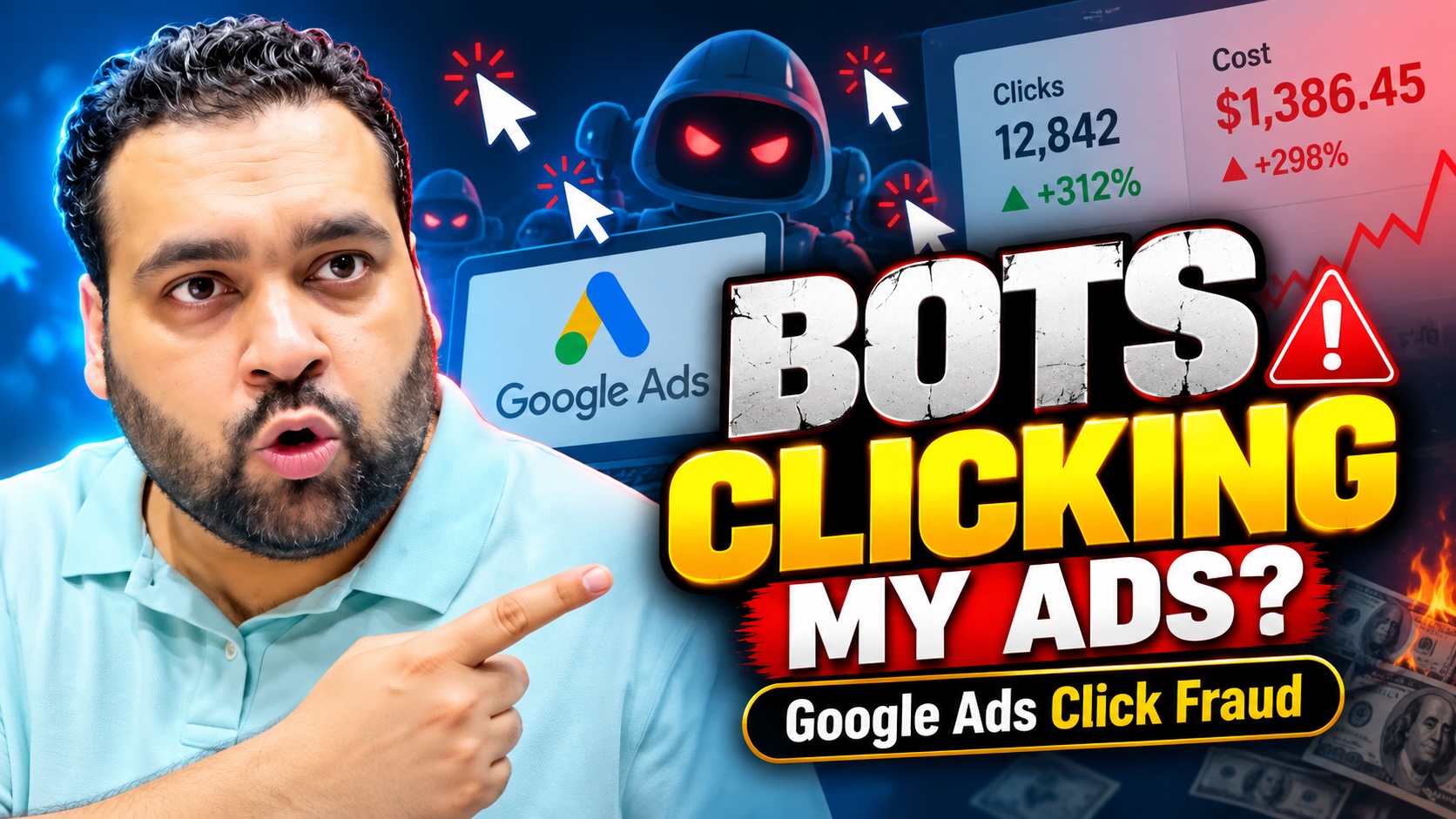
Are bots clicking your Google Ads? Or is it possible that your competitors are clicking your advertisements simply to waste your advertising budget?
This is one of the questions I recently received from an advertiser, and believe it or not, Google Ads click fraud is a real concern for businesses spending money on Pay-Per-Click (PPC) advertising.
When you’re investing hundreds or thousands of dollars in advertising, you naturally expect genuine visitors who are interested in your products or services.
But what happens when automated software or individuals intentionally click your ads without any intention of becoming customers?
In this article, I’m going to explain what Google Ads click fraud is, how you can identify suspicious activities, and how we monitor advertising traffic at AARSWEBS to help our clients make better decisions.
What Is Google Ads Click Fraud?
Google Ads click fraud generally refers to intentionally generated ad clicks that do not represent genuine customer interest.
For example, someone might repeatedly click your advertisement without wanting your product, or an automated bot could generate fake visits to your landing page.
Not every invalid click is fraudulent, however. Accidental clicks and other non-genuine interactions can also be classified as invalid traffic.
Google uses automated systems to identify and filter invalid clicks. Advertisers are not charged for clicks Google determines to be invalid, and eligible adjustments or credits are applied when invalid activity is detected after billing.
However, advertisers should still monitor traffic quality, conversion performance, and suspicious visitor patterns.
Two Common Sources of Google Ads Click Fraud
In my experience as a Google Ads professional, two commonly discussed sources of suspicious traffic are bot clicks and competitor clicks.
1. Automated Bot Traffic
Bots are software programs designed to perform automated activities on websites.
Not all bots are harmful, but certain automated programs can interact with advertisements and landing pages in ways that do not reflect genuine customer interest.
Possible warning signs include repeated short visits, unusually frequent requests, or traffic patterns that are inconsistent with your normal visitors.
Remember, these signs alone do not prove that a bot has clicked your advertisement.
2. Competitors Clicking Your Ads
Another concern is competitors intentionally clicking advertisements to increase an advertiser’s costs.
Imagine you operate a local plumbing business.
You run Google Search Ads to generate phone calls and leads. A competitor repeatedly interacts with your advertisements without any intention of booking your services.
This is a potential form of malicious clicking.
However, identifying who clicked an advertisement is not straightforward. Repeated visits or clicks from the same network are not sufficient proof of competitor activity.
That is why evidence-based monitoring matters.
How Do You Know If Bots Are Clicking Your Google Ads?
There is no single metric that definitively identifies every fraudulent click.
Instead, you need to investigate different sources of information and compare them.
Here are the methods I recommend.
Step 1: Monitor Your Google Ads Account Regularly
Your first step should be to review campaign performance.
Keep an eye on your clicks, cost-per-click, conversion rate, cost per acquisition, campaign locations, and overall lead quality.
You should also review the Invalid clicks column in Google Ads.
You can find this by opening your Campaigns reporting table, selecting the Columns option, and adding the Invalid clicks metric.
This shows the clicks Google’s systems have already identified and filtered.
An increase in this number doesn’t automatically mean you’ve lost money. It may indicate that Google’s protection systems are actively detecting invalid activity.
Step 2: Install Google Analytics 4
Google Analytics 4 (GA4) can help you understand the quality of visitors arriving on your website.
You can investigate:
- Paid traffic trends and landing-page performance
- Engagement and visitor activity
- Conversions and key events
- Device and geographical patterns
- Sudden changes in the quality of Google Ads traffic
For example, if your advertisements usually produce qualified leads but you suddenly receive substantially more sessions with fewer conversions, it is worth investigating.
But don’t immediately conclude that click fraud is happening.
A decrease in conversions could also result from landing-page issues, website errors, poor targeting, changes in competition, or conversion tracking problems.
Step 3: Use Microsoft Clarity to Analyze Visitor Behavior
One of the tools we use at AARSWEBS is Microsoft Clarity.
Microsoft Clarity is a behavioral analytics tool that allows advertisers to understand what visitors are doing after landing on their websites.
It provides features such as session recordings, heatmaps, and engagement insights.
For example, you can review whether visitors are scrolling, interacting with important elements, or leaving without meaningfully engaging.
This additional behavioral information can help us investigate unusual traffic patterns.
Important: Microsoft Clarity is not a dedicated click-fraud detection system. A strange session recording is not proof of a bot or malicious click, and Clarity is not a substitute for IP-level server logs.
Nevertheless, I consider behavioral analysis an important part of understanding PPC traffic quality.
Step 4: Analyze IP Addresses and Server Logs
This is where more advanced traffic monitoring comes into the picture.
At AARSWEBS, we also use custom monitoring tools to investigate suspicious traffic patterns.
Our approach involves comparing available network-level information with visitor behavior.
For example, we may look for repeated requests associated with particular IP addresses, unusual timings, or patterns that deserve further investigation.
Where available, server logs and Google Ads click identifiers can help provide additional context.
However, an IP address does not necessarily identify a particular individual.
Multiple legitimate visitors can share an IP address, and IP addresses can change.
For that reason, we believe it is important to verify suspicious activity rather than automatically assume that every repeated visit is fraudulent.
Step 5: Use Google Ads IP Exclusions Carefully
Google Ads provides an IP exclusion feature that allows advertisers to prevent ads from appearing to certain addresses or networks.
For account-wide IP exclusions, go to:
Google Ads → Admin → Account settings → IP exclusions
You can then add the IP addresses you have sufficient reason to exclude.
For eligible campaign types, campaign-level exclusions are also available under campaign settings.
At AARSWEBS, our custom tools support the identification and management of potentially suspicious traffic sources, with human review of the evidence.
I strongly recommend exercising caution before blocking IP addresses.
You don’t want to accidentally prevent genuine customers from seeing your advertisements simply because they are using a shared office connection, mobile network, or changing IP address.
Also remember that IP exclusions cannot guarantee that every unwanted click will disappear.
What If Your Google Ads Conversions Suddenly Drop?
Let’s say your Google Ads campaign was generating 15 leads every day.
Suddenly, your conversion numbers drop significantly, even though advertising clicks remain relatively stable.
Should you assume bots are clicking your advertisements?
Not necessarily.
You should investigate the problem through multiple data sources.
Start by checking whether your conversion tracking is functioning properly. Then review your search terms, landing-page experience, location targeting, and changes in campaign performance.
Next, examine your website analytics and visitor behavior.
If you find genuinely suspicious patterns, investigate further using the available technical evidence.
In other words, don’t blame click fraud for every performance problem.
The objective is to identify the actual reason your advertising results have changed.
Does Google Automatically Protect Advertisers From Invalid Clicks?
Yes.
Google operates automated invalid-traffic detection systems.
These systems identify and filter interactions that Google determines are invalid, including certain automated, accidental, and intentionally malicious clicks.
Google generally removes identified invalid clicks from billing and campaign metrics. Where appropriate, invalid activity detected after billing can result in account credits.
This is an important distinction because third-party monitoring platforms may report suspicious visits that Google has already detected and filtered.
Therefore, your third-party click-fraud report should not automatically be interpreted as the amount of money Google has charged you incorrectly.
If you believe Google has missed genuine invalid activity, you can request an investigation.
Google’s published process covers suspicious activity within the preceding 60 days and may require campaign details, date ranges, and supporting website logs.
Can You Completely Stop Google Ads Click Fraud?
In my opinion, it is more realistic to focus on monitoring and reducing exposure than to promise that every suspicious interaction can be prevented.
You can improve your protection by:
- Monitoring your Google Ads performance consistently.
- Reviewing Google’s invalid-click reporting.
- Installing and correctly configuring GA4.
- Using Microsoft Clarity to understand website visitor behavior.
- Examining relevant server logs and network activity.
- Applying carefully verified IP exclusions where appropriate.
- Regularly optimizing search terms, targeting, and conversion tracking.
For businesses generating leads, it is also worth reviewing form spam, lead verification, and CRM data.
A genuine-looking website interaction does not automatically mean the lead is qualified.
How AARSWEBS Helps You Monitor Google Ads Traffic
At AARSWEBS, our objective is not just to increase traffic.
We want advertisers to get meaningful leads, genuine customer enquiries, and better value from their advertising investments.
Our Google Ads management approach combines campaign performance analysis, website behavioral insights, custom traffic monitoring, conversion tracking, and manual verification.
We understand that when an advertiser pays for a visit, they naturally want to maximize the opportunity to turn that visit into a customer.
That is why our team pays attention to both advertising performance and post-click behavior.
Our monitoring tools support this process, but no analytics or third-party system can guarantee that every invalid click will be identified or prevented.
Frequently Asked Questions About Google Ads Click Fraud
Can competitors repeatedly click my Google Ads?
It is possible for competitors or other individuals to intentionally generate malicious ad clicks. However, repeated clicks do not automatically prove that a competitor is responsible, and Google filters clicks its systems determine to be invalid.
Can Microsoft Clarity detect bot clicks?
Microsoft Clarity can reveal unusual website behavior through recordings, heatmaps, and other insights. It does not independently establish whether an ad click was fraudulent.
How do I see invalid clicks in Google Ads?
Open your Campaigns table, select Columns, and add the Invalid clicks metric. This displays clicks that Google has already identified as invalid.
Can blocking IP addresses stop click fraud?
IP exclusions can help restrict ad delivery to selected networks, but they do not offer complete protection. IP addresses can change or be shared, and exclusions should be applied carefully.
Why am I getting clicks but no conversions?
The reasons may include poor keyword targeting, weak landing pages, tracking problems, unqualified visitors, or potentially suspicious traffic. Review the full customer journey before reaching a conclusion.
Final Words: Protect Your Advertising Budget With Better Monitoring
Google Ads click fraud is a genuine issue, but the solution is not to panic every time your clicks increase or your conversions decrease.
The solution is to understand your data.
From Google Ads reporting to Microsoft Clarity, GA4, server logs, and careful IP exclusions, you have several ways to investigate the quality of your advertising traffic.
My advice is simple:
Don’t just monitor how many people click your ads. Monitor what happens after they click.
If you are spending money on Google Ads and are unsure whether your campaigns are generating quality traffic, my team can help you review the situation.
Get a Free Google Ads Audit With Ali Raza & AARSWEBS
At AARSWEBS, our Google Ads team can review your campaign performance, conversion tracking, targeting, wasted spend, and landing-page opportunities.
We can help identify issues worth investigating and recommend practical optimization priorities.
Request your free Google Ads audit:
Explore our Google Ads Management Services:
Written for AARSWEBS Solutions Co LLC — Google Partner Agency. Advertising results vary, and an audit does not guarantee the detection or prevention of all invalid traffic.