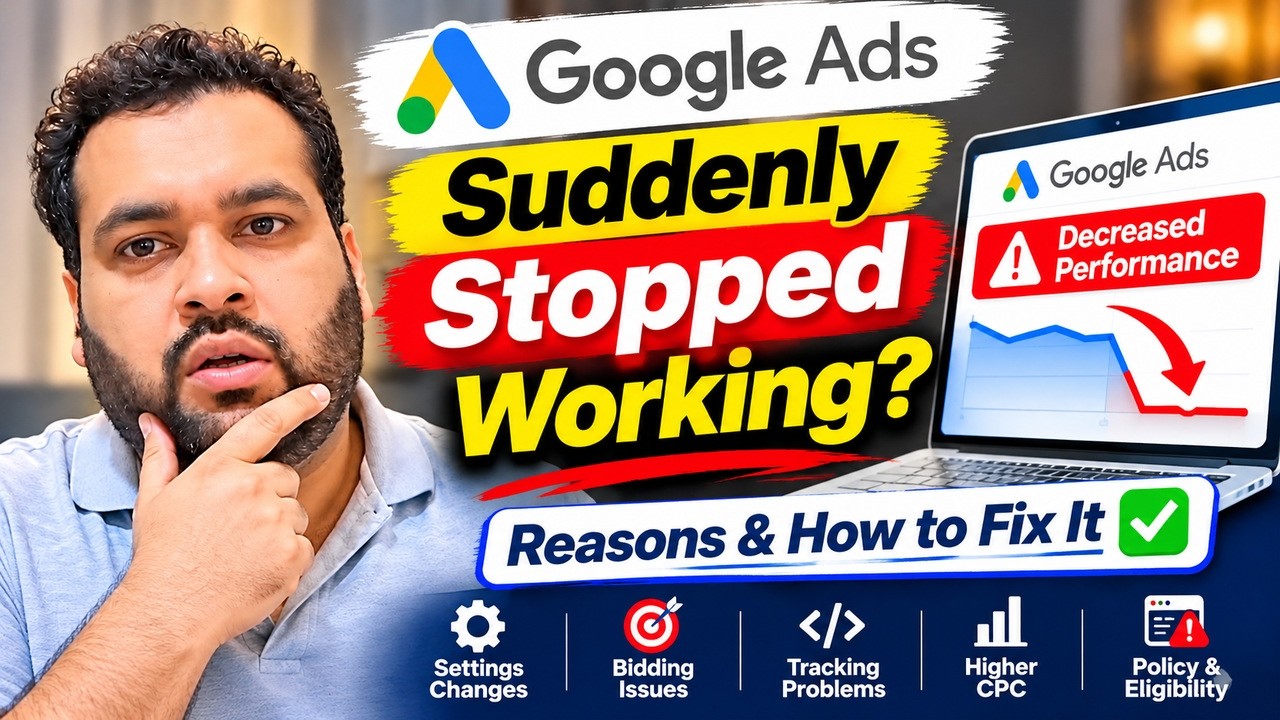
Why Google Ads Suddenly Stopped Working: Diagnose the Real Cause Before Rebuilding
Google Ads was generating leads, and then it suddenly stopped. Before you rebuild the account, increase the budget, or switch to another platform, find out what actually changed. “Ads stopped working” can describe three different problems: the ads no longer show, people still click but do not convert, or leads are coming through but have stopped turning into customers. Each requires a different diagnosis.
In a new video, Ali Raza, founder of AARSWEBS Solutions Co LLC, answers this exact concern. His first checks are particularly relevant during the November Black Friday shopping period: demand may shift, Google Ads settings may have changed, or a website form may have quietly stopped working.
Watch: Why Google Ads Suddenly Stopped Working (And How to Fix It)
First, identify what “stopped” actually means
| What changed? | Where to start |
|---|---|
| Impressions or spend fell sharply | Campaign status, budget, bidding targets, location settings and recent account changes |
| Clicks continue but tracked conversions are zero | Form tests, phone calls, checkout, Google Ads conversion actions and tag diagnostics |
| Leads still arrive, but quality or sales dropped | Search terms, demand, competition, offers, landing-page experience and lead follow-up |
Compare the last stable period with the period when performance fell. Use comparable weekdays and account for conversion delay. Avoid drawing conclusions from a few hours of data if your usual lead cycle takes days.
1. Check whether Black Friday changed buyer behavior
In the video, Ali points out that the discussion arose in mid-November, when Black Friday promotions were drawing attention toward heavily discounted products. This is a plausible explanation for demand shifting away from some services or products, especially when users postpone purchases or comparison-shop. Seasonality is a hypothesis to test, not proof that Google Ads is malfunctioning.
Look for changes in impressions, search volume, click-through rate, conversion rate and actual sales. Compare with a similar seasonal period if you have historical data. A drop across multiple unrelated accounts may point to wider market conditions, but it does not rule out a shared tracking or account-management issue.
2. Inspect Google Ads Change History before editing the campaign
One of Ali’s clearest recommendations is to open Change history and locate changes made just before results dropped. Review campaign status, bid strategy, targets, budgets, keywords, audience settings, locations and ad schedules. Check who made the change and whether it matches the beginning of the decline.
Google itself documents that account or campaign setting changes can contribute to performance fluctuations. Its Change history guidance explains how to examine changes against campaign performance.
3. Review notifications and automatically applied recommendations
The video also highlights an often-overlooked step: open account notifications and examine any automatically applied recommendations. An advertiser may not remember authorizing an automated change months earlier. Compare recommendations with your current business objectives; don’t assume every suggested optimization is appropriate for your account.
If multiple accounts started behaving differently around the same time, document any common platform or automation changes before modifying each campaign separately. Ali mentions Google AI feature rollouts as one possibility; however, a rollout should not be treated as the root cause without supporting evidence.
4. Test your website like a real customer
Sometimes the ads are fine and the site is not. Ali specifically warns about a broken plugin, nonfunctional contact form or bulk developer changes. Test the journey on desktop and mobile: open the landing page, fill out the form, test the phone button, check confirmation messages and verify that submissions actually arrive in the inbox or CRM.
Also check if a new cookie banner, redirect, checkout modification or Google Tag Manager change interfered with measurement. A tracking outage and a real lead-generation outage look similar in a Google Ads dashboard but require very different fixes.
5. Check geography, competitors and the offer—but in context
Ali mentions possible regional problems and new competitor offers. If one geographic area deteriorated while another held steady, compare targeting, local demand and landing pages. If clicks continue but conversion rate declines, consider how your offer compares with what users now see.
Importantly, in the video he cautions that a single competitor offer is less convincing when the same complaint involves several accounts across different industries. Diagnose the pattern rather than attaching the first plausible explanation to every account.
6. Check eligibility, bidding and conversion signals
Beyond the steps discussed directly in the video, Google’s official troubleshooting documentation recommends investigating campaign status, bidding constraints and conversion measurement when delivery changes. A campaign may be eligible yet have restricted traffic because of budget, Ad Rank, insufficient or faulty conversion data, or narrow targeting.
Use the Google Ads performance fluctuations guide and the Search campaign low-traffic checklist to investigate those scenarios. These are additional checks, not claims that every one is covered in the four-minute video.
What should you do in the first 30 minutes?
- Record the date and metric where the decline began: impressions, clicks, conversions, booked leads or closed sales.
- Review Change History and notifications for that date range.
- Test your highest-traffic landing page, form, phone number and checkout end-to-end.
- Check campaign eligibility, conversion action status and spend constraints.
- Compare the affected accounts, countries and search terms to determine whether the issue is local, account-specific or broader.
- Make one evidence-backed change at a time and document it; avoid several simultaneous campaign rebuilds.
If an AI rollout or short-term seasonal shift appears likely but there is no technical outage, Ali suggests observing results for a few days rather than making impulsive changes. That does not mean waiting when your payment method, lead form or conversion tracking is clearly broken; fix confirmed technical faults promptly.
Frequently asked questions
Why did my Google Ads suddenly stop generating leads?
Possible reasons include changed buyer demand, account setting changes, auto-applied recommendations, a broken landing-page form, tracking problems or a less competitive offer. Start by separating delivery loss from conversion loss.
Should I rebuild my Google Ads campaign when results fall?
Not as a first response. Check changes, tracking, eligibility and the website before a rebuild. Rebuilding can discard useful history and make the original problem harder to diagnose.
Can an auto-applied recommendation lower Google Ads performance?
Yes, some account changes can affect delivery or conversion performance. Review exactly what changed, when, and whether the result aligns with your goals.
What if Google Ads shows clicks but my website gets no leads?
Test form delivery, phone calls, landing-page usability and conversion tracking. A broken form can look like an advertising problem.
Get a second opinion before spending more
AARSWEBS is a Google Partner agency led by Ali Raza. We review campaign changes, conversion tracking, search intent, bidding, website issues and lead quality to help identify the bottleneck.
Request your free Google Ads audit or explore our Google Ads management services. No Google account password is required.
Related reading: Google Ads conversions suddenly dropped? Eight additional checks.