Google Ads Search Terms Hidden? Why 90% of Your PPC Data May Appear Under “Other Search Terms” (2026)
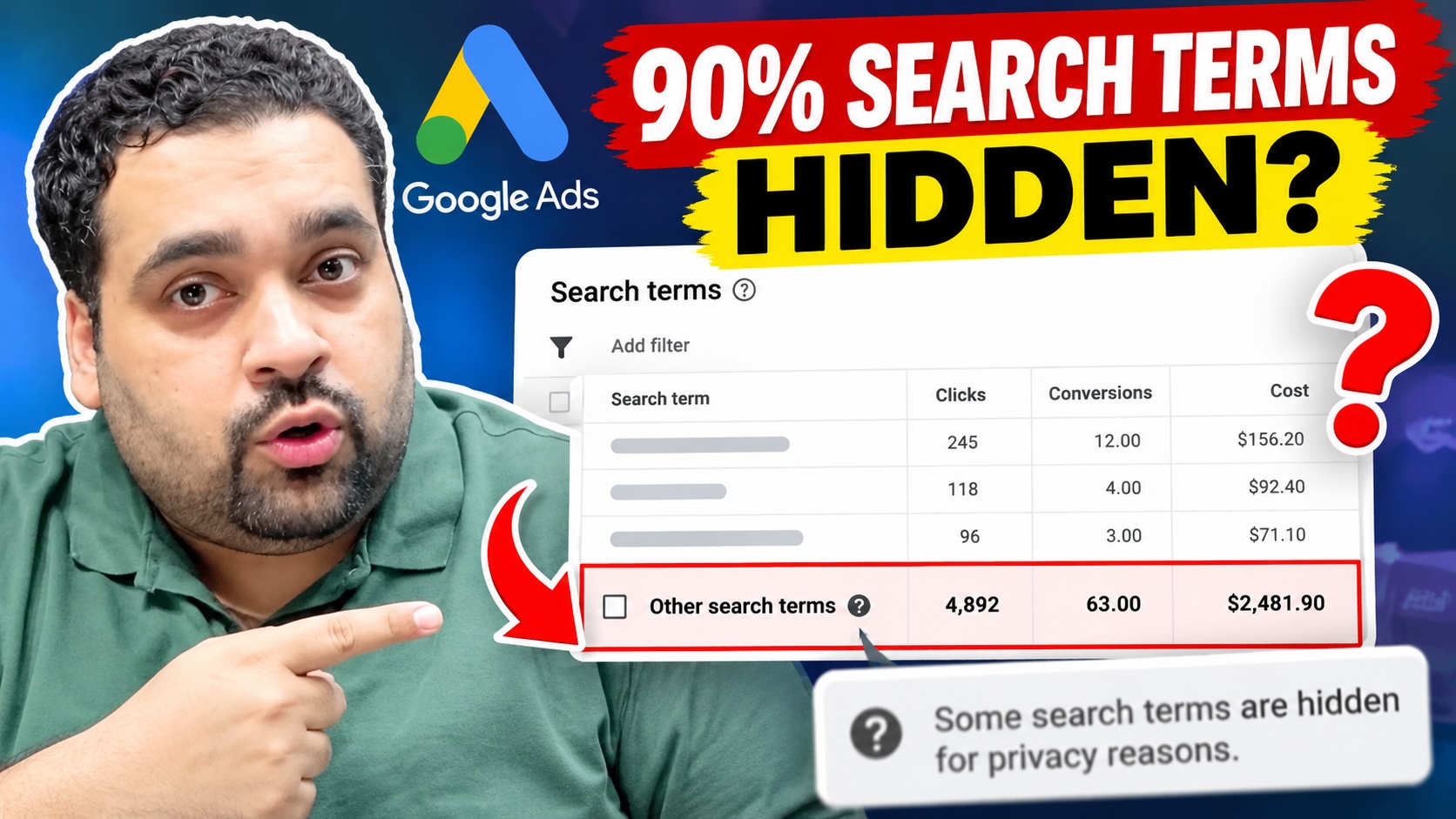
Are 90% of your Google Ads search terms hidden under “Other search terms”?
Imagine spending thousands of dollars on Google Ads and being unable to identify the actual search queries responsible for most of your advertising spend.
How would you identify irrelevant traffic? How would you add negative keywords? And, more importantly, how would you know whether your advertising budget is being used efficiently?
This is exactly the situation a Google Ads advertiser recently asked me about.
In my latest video, I discuss the problem and demonstrate several account settings worth checking.
Let’s understand what’s happening and how advertisers can respond.
What Are “Other Search Terms” in Google Ads?
Google Ads provides a Search Terms report to help advertisers identify the actual searches that triggered their advertisements.
For example, if you’re advertising your digital marketing agency using a keyword such as “Google Ads management,” your advertisements may appear for related searches.
Ideally, you want to understand which searches generate clicks, leads, and conversions.
But here’s the problem.
Google doesn’t disclose every individual search query in its Search Terms report.
Some queries don’t meet Google’s reporting thresholds and are withheld for privacy reasons.
The associated campaign activity can still contribute to aggregated reporting.
As a result, advertisers may see a significant portion of their campaign metrics attributed to “Other search terms” without being able to view the corresponding individual queries.
The Real Problem: 90% of Google Ads Search Term Data Hidden
Let me explain the advertiser’s situation.
The person who contacted me was managing a standard Google Search campaign with the following configuration:
- Campaign type: Standard Search
- Bidding strategy: Manual CPC
- Keyword match types: Exact Match and Phrase Match
- Broad Match keywords: Not being used
- Google Search Partners: Disabled
- Reporting period: Last 30 days
- Hidden search term activity: Approximately 90%
The advertiser reported that roughly 90% of impressions, clicks, and advertising expenditure appeared under “Other search terms.”
Think about that for a moment.
Only about 10% of the advertising spend could be associated with individually visible search queries.
This made it extremely difficult to determine which searches were relevant, identify wasted expenditure, and decide which negative keywords to add.
The advertiser wanted practical advice from experienced PPC professionals rather than generic Google Ads optimization tips.
So, let’s discuss the problem.
Is 90% Hidden Search Term Data Normal?
My initial reaction in the video was that 90% is unusually high and worth investigating.
However, there is an important distinction.
Google does not publish a universal percentage of hidden search terms that advertisers should consider acceptable.
A campaign’s reporting visibility can depend on factors such as query volume, reporting thresholds, campaign characteristics, and the period being analyzed.
Therefore, 90% should be treated as a reason to investigate further, not as proof that an account is incorrectly configured.
I recommend comparing the same campaign and reporting scope across multiple periods to understand whether visibility has changed significantly.
1. Review Google Ads Auto-Apply Recommendations
The first area I recommend checking is your account’s auto-apply recommendations.
Google Ads allows advertisers to enable recommendations that can automatically change certain account settings and campaign elements.
For example, some recommendations may modify keyword configurations or other aspects of campaign management.
My recommendation is simple:
Never assume your Google Ads account has remained unchanged simply because you haven’t manually edited it.
Review which recommendations are enabled and check whether any changes have been applied.
Also, open Change History and inspect recent modifications.
Pay particular attention to keyword additions, removals, negative keyword updates, and changes to targeting.
Keep in mind that auto-apply recommendations are not an established explanation for Google’s privacy-based search query suppression.
This step is intended to identify unwanted account changes that may affect traffic quality.
2. Examine Your Google Ads Keyword Match Types
The second thing I discuss in the video is keyword match types.
Google Ads provides three main keyword match types:
Broad Match: Can reach searches related to the meaning of your keyword, even when the query uses different wording.
Phrase Match: Can match searches that include the meaning of your keyword.
Exact Match: Offers narrower matching, but can still include close variants and searches with the same meaning or intent.
Many advertisers believe Exact Match guarantees that their advertisements only appear for the precise words entered as keywords.
That is not how modern Google Ads matching works.
Even Exact Match and Phrase Match keywords can trigger related searches.
However, in this particular case, the advertiser wasn’t using Broad Match.
Therefore, broad matching by itself could not explain the situation.
More importantly, keyword match type and search query privacy reporting are different issues. Choosing Exact Match does not guarantee that every search query will become visible.
3. Review Deleted Keywords and Existing Negative Keywords
The third area worth investigating is the account’s keyword history.
Have you recently removed keywords?
Did someone add new negative keywords?
Were existing keyword lists modified by another account user, a management tool, or an automated recommendation?
Review your Change History and existing negative keyword lists.
This can help explain changes in targeting, traffic patterns, or campaign performance.
However, deleting a keyword or adding a negative keyword does not, by itself, explain why Google has withheld individual search queries for privacy reasons.
The goal is to determine whether there have been separate targeting changes that require attention.
4. Can Google Ads Search Terms Insights Reveal Hidden Search Queries?
This is one of the most important questions advertisers ask.
Google Ads offers Search Terms Insights, which can provide aggregated information about the kinds of searches driving traffic.
These insights categorize searches into related themes and subthemes.
For example, an advertiser may be able to identify broader categories of customer interest even when individual low-volume search queries aren’t displayed.
That information can help identify patterns and potential opportunities for improvement.
But here’s what you must remember:
Search Terms Insights is not a tool for revealing every hidden search query.
Google may include queries withheld from the standard Search Terms report in aggregated categories without exposing their actual wording.
You gain additional context, not necessarily the complete query list.
Official Google documentation:
5. Can the Google Ads API or Third-Party Tools Recover Hidden Search Terms?
Another common question is whether Google Ads scripts, API reporting, or third-party platforms can uncover the missing queries.
These tools can be useful for reporting, analysis, automation, and campaign monitoring.
However, you should not assume they can bypass Google’s privacy-based reporting limitations.
If a query is withheld under Google’s reporting rules, there is no guaranteed method to obtain the complete original query through a third-party reporting tool.
Be cautious about services promising unrestricted access to hidden Google Ads search terms.
6. How to Optimize Negative Keywords When Most Searches Are Hidden
Now, coming to the main business problem.
How do you optimize negative keywords if you cannot see most of the actual search queries?
Here is the approach I would recommend.
Start With the Searches You Can See
Review visible search queries for irrelevant intent, costly traffic, and opportunities to improve keyword targeting.
Identify patterns rather than focusing exclusively on individual search terms.
Build Negative Keyword Lists Around Your Business
You already know some searches that are unlikely to generate customers.
For example, depending on your business, informational searches, job-related searches, or irrelevant product categories may not align with your objectives.
You can evaluate these as potential negatives without waiting for every variation to appear in your reports.
Avoid excluding broad categories that could also contain valuable customers.
Review Search Terms Insights
Look for categories that suggest low-value or irrelevant traffic.
Although you may not see every individual query, the aggregated information can help you assess customer intent.
Analyze Keyword-Level Performance
Review which keywords and ad groups are receiving the majority of your spend.
Compare cost, conversions, conversion rates, and lead quality.
A keyword can be evaluated for profitability even when some individual triggering queries remain hidden.
Check Conversion Quality
This is particularly important for lead generation campaigns.
Are you receiving genuine inquiries?
Are prospects relevant to your services?
Are those leads converting into paying customers?
Search term visibility is valuable, but your business should ultimately measure the quality and value of the results generated.
7. My Recommendation When 90% of Search Terms Are Hidden
If you’re experiencing this issue, don’t immediately start deleting keywords, changing bid strategies, or adding hundreds of negative keywords.
First, investigate the account.
I recommend checking:
- Your reporting date range and campaign scope.
- The percentage of spend attributed to “Other search terms.”
- Search Terms Insights and available search categories.
- Keyword match types and targeting configurations.
- Google Ads Change History and auto-apply recommendations.
- Existing negative keyword lists.
- Conversion tracking accuracy and lead quality.
Once you’ve reviewed these factors, you can determine whether the account has targeting problems in addition to Google’s normal reporting limitations.
Also remember that you may not be able to recover queries withheld by Google’s privacy policies.
8. Get a Free Google Ads Audit From AARSWEBS
Are you running Google Ads campaigns but struggling with limited search term visibility?
Are you concerned about where your advertising budget is going?
At AARSWEBS Solutions CO LLC, our Google Partner team helps businesses review and optimize their Google Ads accounts.
Led by Ali Raza, our team works with advertisers on Google Ads campaign management, keyword targeting, conversion tracking, landing-page performance, and wasted advertising spend.
We can review your account to identify configuration issues, optimization opportunities, and areas where reporting limitations may be affecting your decision-making.
Request Your FREE Google Ads Audit:
Website: https://aarswebs.com/
Frequently Asked Questions
Why is Google Ads hiding my search terms?
Google omits some individual search queries from the Search Terms report to meet its data privacy standards, particularly when there isn’t sufficient query activity.
Is 90% hidden search term data too high?
It is a substantial reporting limitation worth investigating. However, Google does not establish a universal maximum acceptable hidden percentage.
Does Exact Match stop hidden search terms?
No. Exact Match restricts how queries can match your keywords, but does not override Google’s reporting privacy thresholds.
Can I recover hidden search terms through the Google Ads API?
You should not expect the API or third-party reporting platforms to bypass privacy restrictions and disclose every omitted query.
Can negative keywords improve campaign performance?
Yes. Negative keywords can prevent ads from appearing for irrelevant searches. However, they should be selected carefully to avoid excluding potential customers.
Can a Google Ads audit fix hidden search terms?
An audit can identify targeting issues, campaign configuration problems, tracking errors, and optimization opportunities. It cannot guarantee recovery of privacy-suppressed queries.
Final Thoughts
Having 90% of your advertising activity reported under “Other search terms” can be extremely frustrating.
As a Google Ads professional, I understand why advertisers want transparency into the actual searches responsible for their expenditure.
My advice is to investigate account changes, review keyword matching, analyze the reporting data you can access, and prioritize meaningful business results.
And if you’re struggling to determine where your advertising budget is going, consider having an experienced Google Ads team review your campaign.
About the Author: Ali Raza is a digital marketing consultant and founder of AARSWEBS Solutions CO LLC, a Google Partner agency specializing in paid advertising, campaign optimization, and related digital marketing services.
Google Ads Audit: https://aarswebs.com/google-ads-management/