Google Ads Advertiser Verification Stuck? Pending, Failed & Business Operations Fixes (2026)
Is your Google Ads advertiser verification pending, rejected or stuck after you submitted documents? Before making another submission, identify the exact verification task and the reason it has not been completed. Identity verification, business operations verification, account access and document rejections are different problems, and each needs a different response.
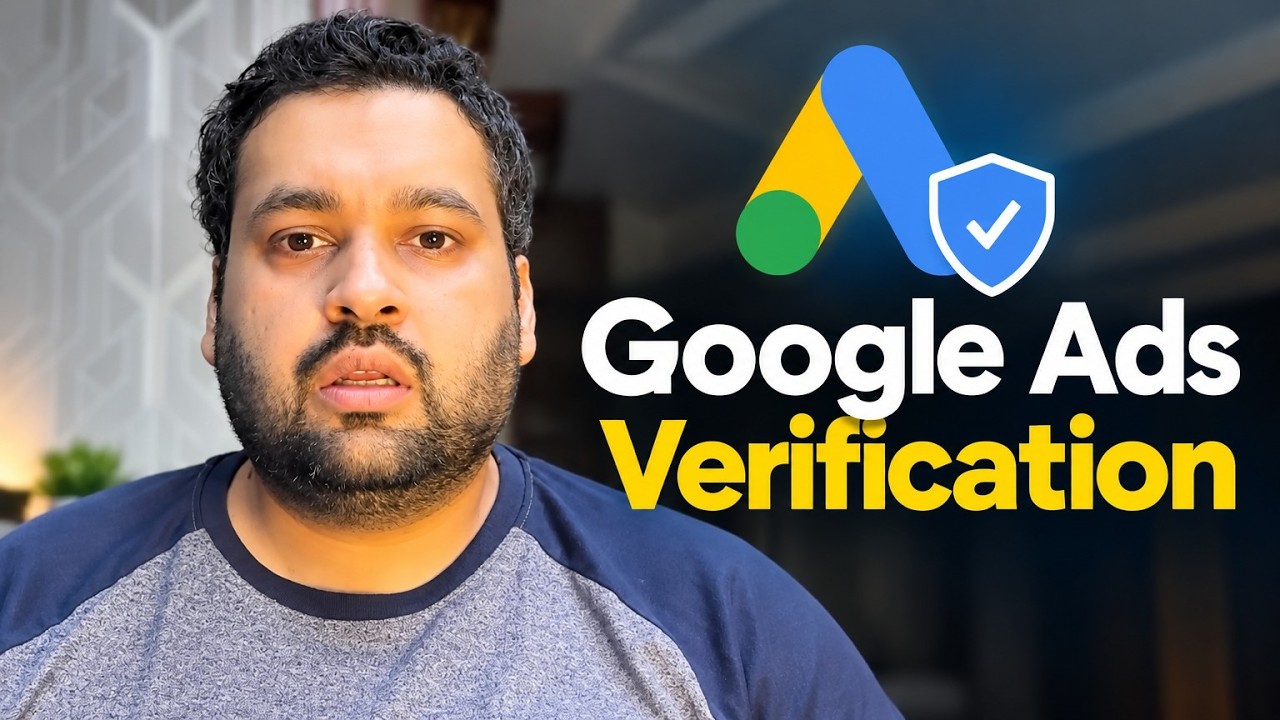
Ali Raza of AARSWEBS Solutions Co LLC has published a short video on this subject. Watch it below, then follow the current Google Ads verification checks in this guide. Google’s own review decisions ultimately determine whether an account is approved.
Watch the Google Ads Advertiser Verification troubleshooting video.
Step 1: Open the verification task and check its exact status
In Google Ads, open Admin → Policy → Account. Review any advertiser-verification task shown there, the deadline (if one applies), and any email or in-account messages. Google’s interface and tasks may vary by account type and country.
| What you see | What it means for your next step |
|---|---|
| Pending / under review | Check the submission date, current timeframe and messages; avoid redundant submissions while review is active |
| Incomplete / action required | Open the pending task and supply the exact information requested |
| Failed / rejected | Read the specific rejection notice, correct the underlying issue and resubmit only where permitted |
| Account paused | Check whether verification must be completed before ads can resume |
Google’s official advertiser verification tasks guidance explains where to find requirements and begin a task.
Step 2: Compare the legal name and payments profile
One common area to examine is whether the advertiser’s legal information matches the identity or organization documents submitted. Review the legal name, account type (individual or organization), country, and documents specified in the verification form. Do not substitute a personal document for a business document where Google has requested organization evidence, or vice versa.
If the payments-profile country or account type is genuinely wrong, follow the official process or ask Google Ads Support about the permitted correction. Do not create misleading profiles or repeatedly open new accounts to work around verification.
Step 3: Check rejected identity or registration documents
A document can be rejected because it is unreadable, expired, the wrong type for the country, or inconsistent with other submitted information. Inspect the exact reason in the notice and Google’s document rejection troubleshooting table.
Check that the document is genuine, complete, clear and currently valid, and that the information you enter is identical to what Google requires. If the verification fails repeatedly, stop submitting the same uncorrected evidence.
Step 4: Explain your business operations accurately
Some accounts must explain how the business works, who owns or operates the advertised website, and whether an agency or other third party is involved. This is particularly relevant for agencies managing client accounts, resellers, affiliates and organizations whose public website or billing details do not obviously identify the advertiser.
Make sure your explanation of the products, services, customer payments and business relationships matches reality. Where Google asks for documentation of a relationship or authorization, provide truthful, relevant evidence. Google’s business operations troubleshooting guidance describes common issues, including mismatched information and insufficient proof of business relationships.
Step 5: Understand the review period and verification deadline
According to Google’s verification timeline guidance, a submitted task commonly takes up to five business days to review. In rare cases it can take up to 30 days. This is not a promise that every submission will be completed within those timeframes.
There is an important difference between voluntary verification without a deadline and a task that must be finished by a specified date. Google says an account can be paused when a mandatory verification deadline passes, and the deadline generally cannot be extended. Start as early as possible and act on any requested corrections promptly.
Step 6: Check that the right person can complete the task
The person completing verification may need appropriate Google Ads account access and information about the verified individual or organization. If you are an agency working for a client, clarify who should submit documents and who controls the Google Ads account and payments profile. Don’t ask clients to disclose passwords or identity documents through public comments or unsecured messaging.
Step 7: Escalate a genuinely stuck case through official channels
If the review has exceeded the relevant timeframe, the task is unavailable despite appropriate account access, or you have corrected the documented rejection but cannot proceed, contact Google Ads Support through an available official help channel. Have the customer ID, task status, dates and existing support case number ready. Share identity documents only through Google’s authorized submission process.
No agency can guarantee approval, override Google’s review, or legitimately bypass the advertiser-verification requirement. Beware of claims promising instant approval regardless of documents or business status.
Checklist before you resubmit
- Confirm the specific verification task and status under Admin → Policy → Account.
- Record any deadline and read the latest rejection or request for information.
- Check the legal name, payments-profile account type and country.
- Confirm the requested document type is eligible, clear, complete and valid.
- Explain how the advertised business operates, including any agency or third-party relationship.
- Check whether the original submission is still within Google’s review window.
- Ask official support to investigate if the documented process cannot be completed.
Frequently asked questions
Why is Google Ads advertiser verification stuck on pending?
Google may still be reviewing the submission, may need additional information or may have an unresolved task. Check the status and review period first. Avoid assuming that a pending task has been rejected.
How long does Google Ads advertiser verification usually take?
Google states that reviewing a task can take up to five business days, with some rare cases taking up to 30 days. Actual timing varies by task and review complexity.
Does a rejected document mean my account is permanently suspended?
No. Document rejection, paused account status and an account suspension are different events. Check the specific notice and follow the applicable correction, verification or appeal process.
Can AARSWEBS guarantee verification approval?
No. AARSWEBS can help review the status, required documents, business explanation and compliance issues; only Google can decide whether a verification is approved.
Need professional advertiser verification assistance?
AARSWEBS helps businesses interpret the verification request, review identity and business-operation documentation, and investigate blockers before they submit again. For support, visit Google Ads Advertiser Verification Support or contact our team. If your account is suspended rather than merely awaiting verification, see our Google Ads suspension and policy recovery services.
This article provides practical compliance guidance. It is not affiliated with or an official statement from Google, and Google’s documentation and account-specific instructions control.